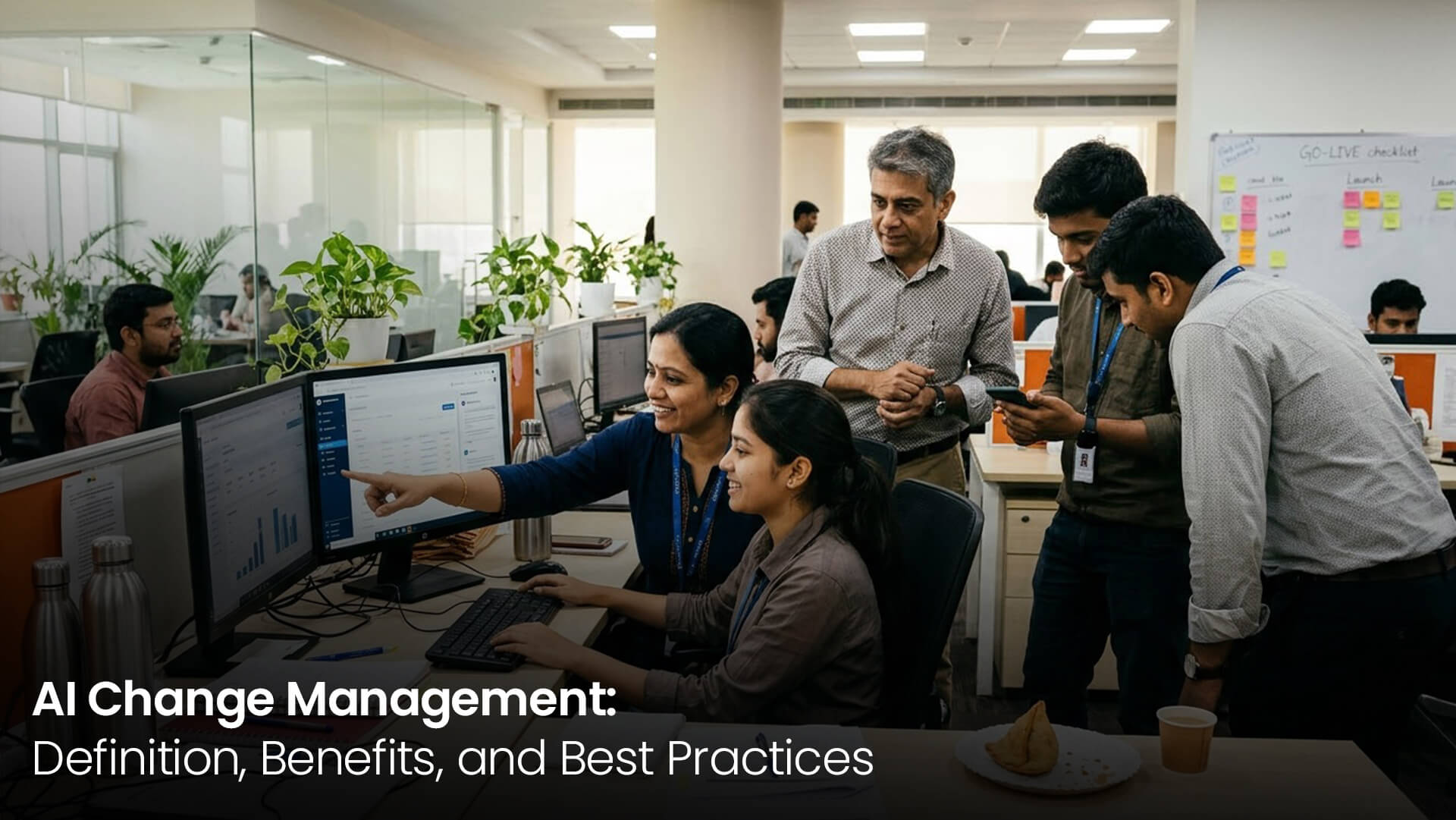
The sales team's AI assistant took four months to build. On launch day there was applause, and somebody ordered samosas for the whole floor, which was a nice touch. Six weeks later, maybe eight people were still opening it. The rest had gone back to Excel and phone calls, more or less without anyone noticing.
Nothing was wrong with the technology. What went wrong was the rollout. AI change management is the not-very-exciting work of helping people accept AI, trust it and actually use it day to day. In this article I'll cover what it means, why AI hits people differently from other changes, what you gain when it's done properly, and the habits that turn a launch into something people just do.
Here's how I'd explain it to a friend. Your people already have a way of doing their jobs, habits they've built up over years, and now you want AI to become part of that, which doesn't happen by luck. Somebody has to plan how it gets talked about, how the training works, what the bosses do, and whether anyone's actually listening to the staff (that last one gets skipped a lot). I tend to call it the human half of an AI project. In most budgets I've seen, it's also the half that gets less money.
Every team you touch ends up asking four questions, and they usually ask them in the canteen rather than in a meeting. What's changing? Why now? What does it mean for me? And who do I call when I get stuck?
One email from IT saying there's a new tool doesn't count. The work starts before anything gets built and keeps going well past launch. It goes best when employees feel like they own part of the change, instead of feeling like it's something being done to them.
Moving to a new accounting package is annoying, sure. Moving to AI can feel personal. A lot of staff privately wonder if it's there to help them or to take their place, and most of them won't raise it in public.
Then there's trust. With a spreadsheet, you can click on a cell and see the formula sitting right there. With AI you often can't tell why it came back with what it did, so people end up double-checking every single thing, which kind of defeats the purpose of having it.
People are also a bit shy about a skills gap. Writing a decent prompt, or checking whether an AI answer makes sense, is a new skill, and plenty of people would rather not admit they don't have it yet. On top of that, the AI keeps changing after go-live, which means change management can't stop at go-live either.
The main benefit sounds almost too obvious to mention. People use the tool. Every rupee of return you get on your AI spend comes from that.
If you get it right, people stop being so scared of the thing, and fewer of them leave. What usually tips it is something small. A person finds the AI has knocked an hour of dull work off their afternoon, tells whoever sits next to them, and that's how the mood starts to turn, one desk at a time. People get more involved after that, and your company slowly picks up a name as somewhere that treats its staff fairly when big change hits.
Something I didn't expect the first few times: the AI gets better too. Users who feel heard will happily point out what's broken and what they'd tweak, and they turn out to be sharper testers than anyone you could hire for that. Leadership gets something out of it as well, a way of doing rollouts they can simply reuse next time instead of starting from nothing.
People want to know what the AI is actually for and how their own job changes. Tell them. And if a couple of their tasks are going away, I'd say that out loud too, along with what they'll be doing instead. Managers often stay vague because they don't want to upset anyone, but in my experience that backfires, since people fill the silence with something much worse than the truth.
Staff watch what senior people do much more closely than what they say. So when the MD pulls up the tool in the middle of a review meeting, everyone in the room clocks it. It helps a lot if leaders talk about how they're using it, and that includes owning up to the parts they found fiddly. If a leader keeps quietly avoiding it, believe me, people pick up on that faster than on anything said at a town hall.
Choose five to ten people from the teams affected and get them testing early. Put a few enthusiasts in the group along with a couple of genuine sceptics, since sceptics tend to find the real problems quicker. Later on, those same people become your champions on the floor.
Think about where your staff already are all day. For most it's WhatsApp, or email, or the ERP, and getting them to open one more app on top of that is a hard sell. If the AI shows up inside the stuff they already use, it stops feeling like a new thing pretty quickly. I always think of the field rep sitting in traffic on the way to a client meeting, who should be able to just ask a question by voice right there instead of waiting till they can get a laptop open.
A plant supervisor and a finance analyst have almost nothing in common in their working day, so putting them through the same session never made much sense to me. Shorter sessions work better, with people trying it on their own real tasks rather than watching slides. Where Hindi or the local language makes people more comfortable, use that. And for that first month, a little tip video or WhatsApp message once a week helps a lot more than you'd expect.
For the first stretch, I wouldn't let anything the AI produces reach a customer or a manager without a human glancing over it. Showing where an answer came from, or how the AI reasoned its way there, makes people a lot more relaxed, and you can loosen things up as they get used to it. Now and then it'll get something plain wrong. My view is you just own it: tell people what happened, tell them what you changed, and move on. Teams forgive a mistake far more easily than they forgive finding out it was hidden.
Here's a question that gets missed surprisingly often. When the AI takes over the boring, repetitive bits, what are people meant to do with that time? Someone in HR might finally get to coach people properly. Accounts might finally get on top of collections instead of always playing catch-up. Whatever the answer is for your teams, write it into the job descriptions and the appraisals. If you don't, people tend to feel they've lost something, when actually their job just got better.
Try to get a few small success stories out in the first couple of weeks, with real names attached (after checking with those people, of course). When someone from the next team says it saved them half a day, that lands in a way no manager's slide ever does. Also, have a simple way for people to moan or throw in ideas, and reply quickly. Once people see their feedback actually change something, goodwill builds on its own.
This works for most single-department rollouts. For something bigger, run it one team after another. The dates are a rough guide and nothing more. Say you're at day 60 and usage is still thin, I'd stretch the launch phase rather than charge ahead.
| Phase | Days | Key actions | Owner |
|---|---|---|---|
| Prepare | 1 to 30 | Explain the why, pick champions, test with users | Business head and HR |
| Launch | 31 to 60 | Role-based training, live support, quick fixes | Project team and champions |
| Embed | 61 to 90 | Share wins, refresher sessions, review metrics | Line managers |
| Sustain | After 90 | Monthly feedback, new features, onboarding for joiners | HR and process owner |
If you announce AI as a cost-cutting exercise, you've lost the room. Staff hear “job cuts” and dig in from the first day, even when nobody's role is actually at risk.
Then there's the one-time training session where everyone attends, someone ticks a box, and that's the end of it. Within a few weeks most of it's forgotten, because there were no refreshers, no tips, and nobody nearby to ask when they got stuck.
Middle managers get left out a lot more than they should, and it hurts more than people think. They decide what their teams work on each day, and their teams take cues from them. Going too fast is another problem. Try to squeeze a whole rollout into two weeks and you never get the time to fix the things users trip over.
Lifting another company's plan word for word almost never works, because your people and your culture just aren't the same as theirs. And one more request from me: please don't count logins and call that adoption. The thing you really want to know is whether real work is getting done through the tool.
For numbers, I'd look at weekly active users compared to how many people are supposed to be on the tool, and at how many tasks go through the AI versus how many still go the old way. Measure how long tasks take and how many errors there are, both before launch and after.
I'd also send out a quick pulse survey at 30, 60 and 90 days, just asking people how confident they feel with it. Confidence usually goes up before usage does, so if you see it drop, don't ignore it, because that's often the first sign something's going wrong.
Workarounds are worth watching for as well. One sign I look for is people copying the AI's output into Excel and then reworking it by hand, which tells you they don't trust it yet. Oddly, just putting the numbers up where the whole team can see them sometimes gets usage climbing on its own.
At Swaran Soft, we try to build AI around people instead of asking people to bend themselves around the AI. Our Managing Director, Yogesh Huja, is the author of Adopting AI Agents, and a lot of what's in that book shapes the way we plan rollouts, starting at the first AI strategy and roadmap workshop and running through to training after go-live.
A good example is the HR AI agent we built. It answers employee questions on WhatsApp, which staff had open all day anyway, so there was nothing new to learn. Query resolution dropped from 2 days to under 4 minutes, and around 70% of questions are now handled automatically. Going to where people already were is a big part of why it caught on, and it's also why we include role-based training in local languages in every project we deliver.
If there's one thing to take away, it's this: a tool that works and a tool people actually use aren't the same thing, and change management is what closes that gap. Give people the honest reason for the change. Let them catch their leaders using it, and get users involved early on.
Training should follow people's real jobs, the AI should live in apps they already trust, and the listening shouldn't stop just because the samosa plates have been cleared. Shout about small wins, and count actual work done through the tool instead of logins. Do all that and your next AI launch won't fade out around week six like the one at the start of this article. It'll just quietly become the way your team works.
Want to talk it through with us? We run a free 45-minute AI Pilot Assessment. Drop a line to info@swaransoft.com, or ring +91 9220-313-650 (India) | +971-50-9292-650 (UAE). You'll find more at www.swaransoft.com

AI Architect and Entrepreneur building India's Edge AI ecosystem. 25+ years in enterprise technology. Founder of Swaran Soft, Gignaati, and Copilots.in.